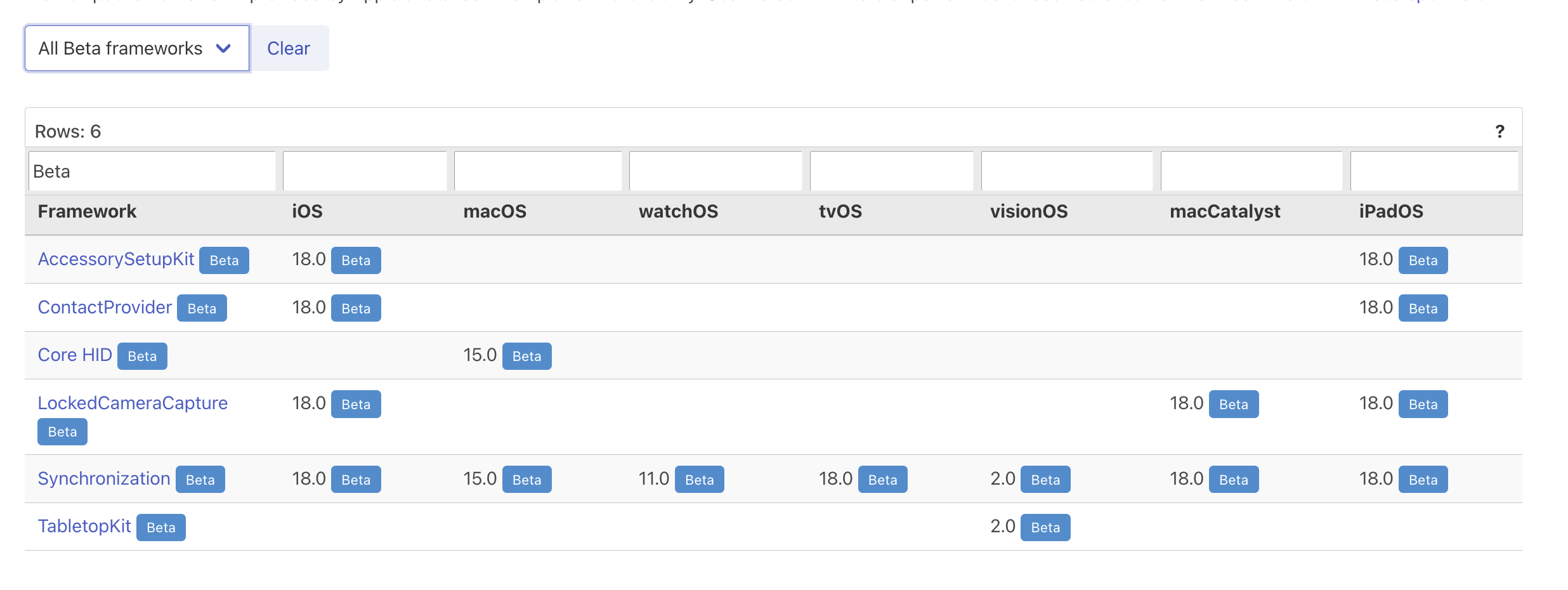
Xcode 13.3 supports SPM binary dependency in private GitHub release
In this blog post I will share details about a new feature not mentioned in the Xcode 13.3 Beta 3 release notes. This feature is of interest to developers who need to make their code available as binaries to protect their intellectual property when developing proprietary, closed-source libraries.
To distribute code in binary form as a Swift package, create an XCFramework bundle that contains the binaries. Then, make the bundle available locally or on a server. Here is an example of a Package.swift manifest to distribute a binary framework stored on a server:
// swift-tools-version:5.3
import PackageDescription

let package = Package(
    name: "MyLibrary",
    platforms: [
        .macOS(.v10_14), .iOS(.v13), .tvOS(.v13)
    ],
    products: [
        .library(
            name: "MyLibrary",
            targets: ["SomeRemoteBinaryPackage"])
    ],
    dependencies: [],
    targets: [
        .binaryTarget(
            name: "SomeRemoteBinaryPackage",
            url: "https://url/to/some/remote/xcframework.zip",
            checksum: "The checksum of the ZIP archive that contains the XCFramework."
        )
    ]
)
The xcframework.zip file needed to be publicly accessible on a server. But what if you need to limit public access to authenticated users?
The .netrc file format is commonly used for the automatic authentication of HTTP requests.
machine <example.com> login <my-user-name> password <my-password>
It generally resides in the user’s home directory (~/.netrc). Learn more about netrc by reading the gnu documentation.
My former co-worker Stan Stadelman introduced netrc into SPM to support basic auth aiming non-git binary dependency hosts.
The user is not required to opt-in to use netrc as the option is turned on per default in the Swift Package Manager.
    /// Whether to load .netrc files for authenticating with remote servers
    /// when downloading binary artifacts or communicating with a registry.
    @Flag(inversion: .prefixedEnableDisable,
          exclusivity: .exclusive,
          help: "Load credentials from a .netrc file")
    var netrc: Bool = true
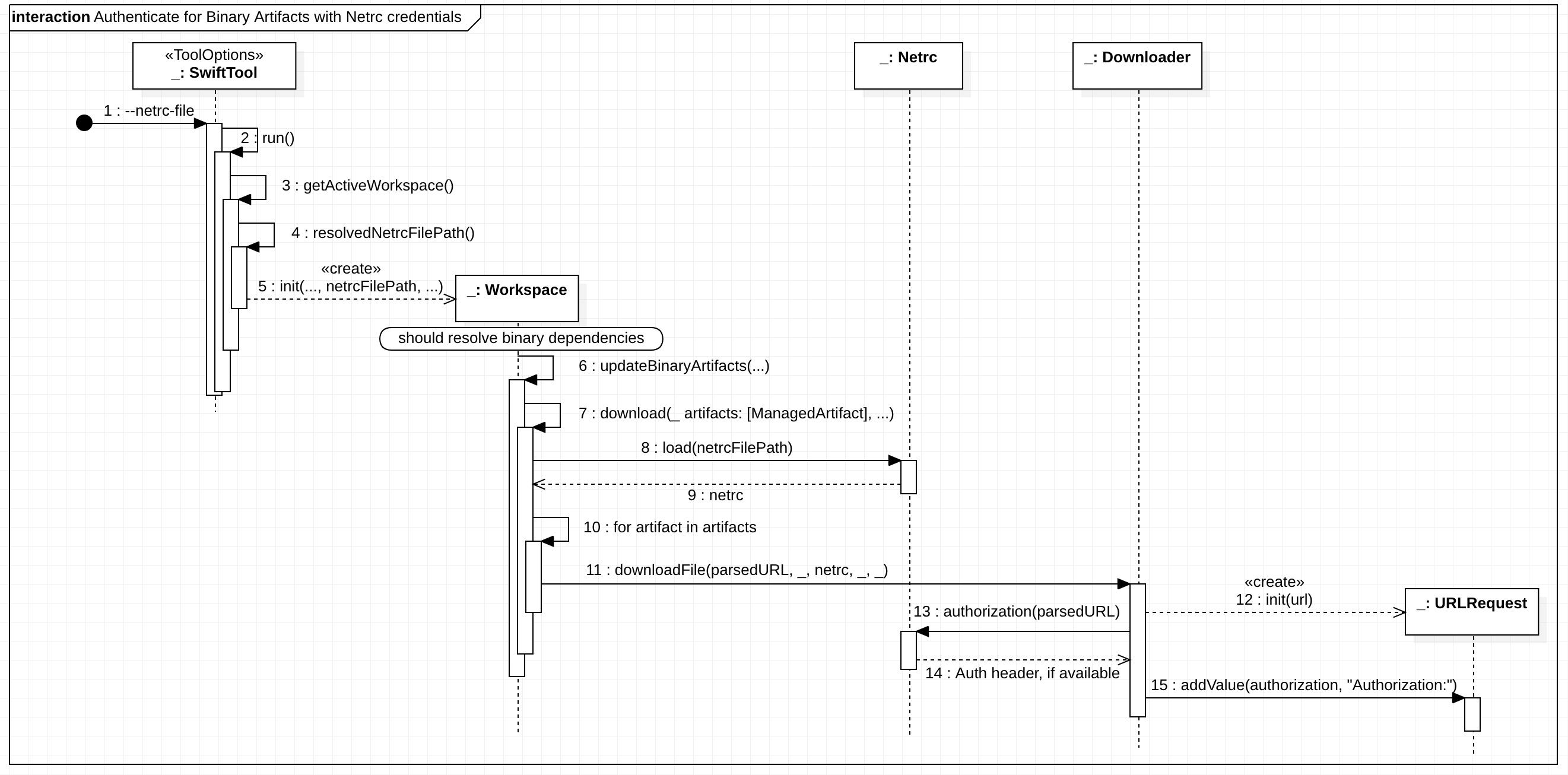
SPM will automatically detect the .netrc file and apply the required Authentication header. Also, with option netrc-file <netrc-file> you can specify a different location.
This feature became available with Xcode 12.5. However, the community pointed out that this does not work for a private GitHub release.
First, you cannot use the browser download URL as an HTTP request results in a 302 redirect. You have to lookup the asset name and then use the asset url.
- Incorrect URL:
https://github.com/:owner/:repo/releases/download/:tag/some.xcframework.zip - Correct URL:
https://api.github.com/repos/:owner/:repo/releases/assets/\(assetId).zip
But more importantly, there is another issue that SPM was not aware of.
// netrc support is NOT enough to make this work for a private repo asset
.binaryTarget(
    name: privateName,
    url: "https://api.github.com/repos/:owner/:repo/releases/assets/\(assetId).zip",
    checksum: checksum
)
The Github API states the Accept header of the request to application/octet-stream is required to download the asset's binary content. Otherwise the API JSON response is returned.
Hence the following change was introduced in SPM, by Jimmy Arts, to set the header automatically:
Xcode 13.3 Beta 3 includes this change. Hence, using Xcode 13.3 Beta 3 and a .netrc file with a GitHub personal access token will finally allow you to download binary assets from release in a private GitHub repository. 😊🎉
Example: I have a repository MyPrivateRepo under my GitHub user MarcoEidinger and I created release 1.0.0 with asset MyBinaryModuleName.xcframework.zip. Hence the Package.swift would be like
.binaryTarget(
    name: "MyBinaryModuleName",
    url: "https://api.github.com/repos/MarcoEidinger/MyPrivateRepo/releases/assets/58858051.zip",
    checksum: "c533f08210ac21def782d48c2ff1e1a538b05b051e128aa88ffcd44051ddc2b3"
),
and my ~/.netrc file would be something like
machine api.github.com login MarcoEidinger password ghp_xxxxxxxxxxxxxxxxxxxxxxxxxxxxxxxxxxxx
Netrc is a great solution which works on Mac and also on Linux. If you are exclusively working on Mac then you can leverage Apple's Keychain as alternative. Instead of creating an entry in the ~/.netrc file you can create an internet password containing
Keychain Item Name: https://api.github.comAccount Name: GitHub user namePassword: personal access token


Xcode (SPM) will read from keychain once you granted permission. Such a dialogue may come up during package resolution.

P.S.: The whole history can be traced in the following thread in the Swift Forum:
About the author
I am a Software Engineer working on open source and enterprise mobile SDKs for iOS and MacOS developers written in Swift. From 🇩🇪 and happily living in 🇺🇸
Comments
Join the discussionOne note: in your section that gives the items to put in the keychain you list the "Keychain Item Name" as api.github.com. It needs to to have a preceding "https://"
Hi, Marco Eidinger! Great article which helped me a lot to get it finally working. However, I currently have struggles making it work with Xcode cloud. Even though I create a temporary keychain and store the access token through security api, I always get an error "Could not resolve package dependencies" with 404 for each of binary targets assets. Do you have some advice on how to overcome this issue?
Hi Daniil Zadorozhnyy, use a custom build script to create the netrc file for Xcode Cloud.
https://blog.eidinger.info/using-swift-packages-with-authentication-in-xcode-cloud
hey Marco Eidinger great article! I remember following Swift Forum's thread a while ago. Do you know if any of these applies to GitLab private repos?
Hi, I neither use GitLab nor their REST API so I cannot tell you with certainty. SPM is able to add Authorization header as well Accept header with application/octet-stream. It should work if the GitLab REST API does not have further requirements with regards to headers.